


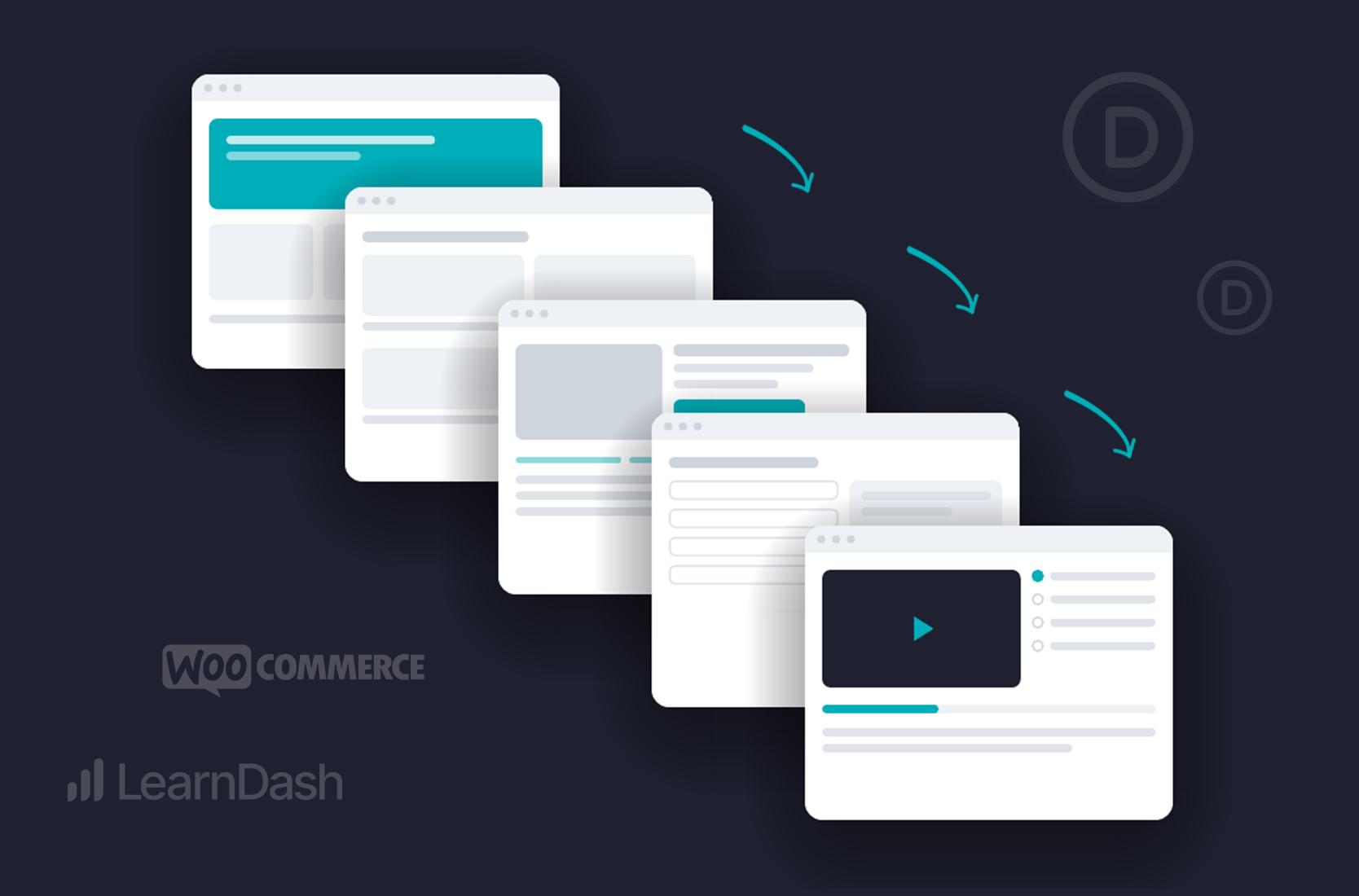
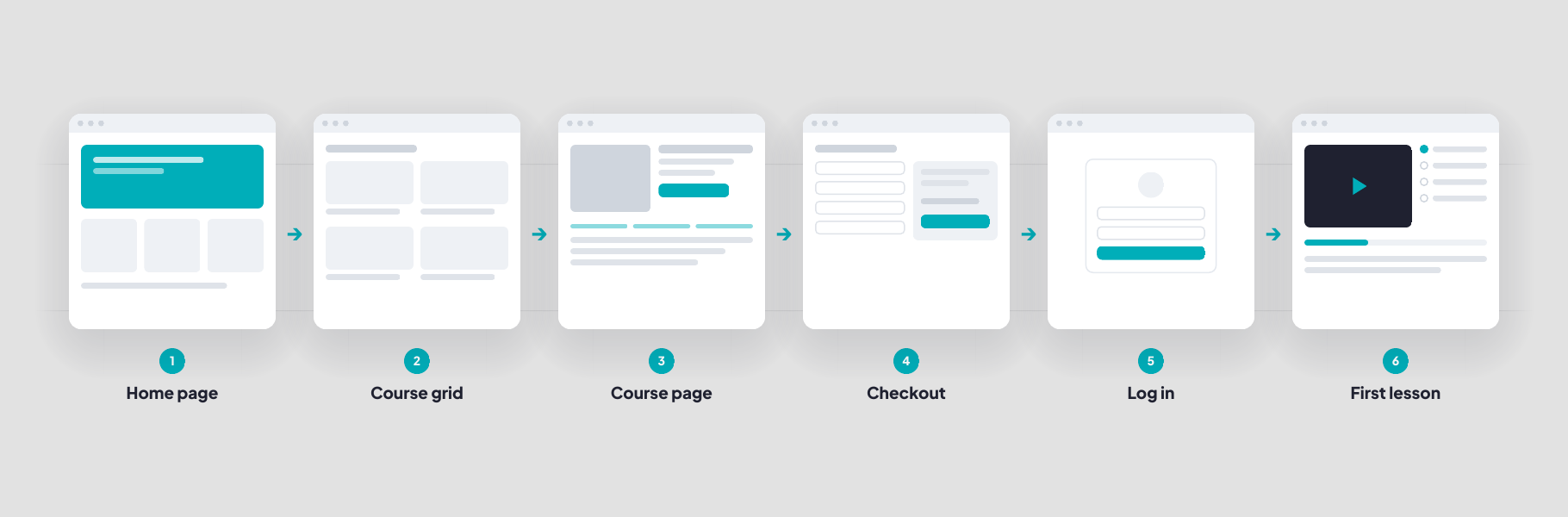
So here’s everything a complete course site needs, whether you use LearnDash or Tutor LMS, which part of it is hard, and the two ways to get it built.
Everything a course site involves
- A home page that makes a good first impression and points people toward your courses
- A course grid or catalogue, so visitors can browse what you offer
- Your course pages, where someone sees what a course covers and enrols (and where students return to learn)
- A sales page, for the courses that need real convincing before someone buys (here’s the difference between a course page and a sales page)
- A cart that’s clear and easy
- A checkout that doesn’t lose people at the final step
- Payments set up, tested, and working
- Login and registration screens that match the rest of the site
- A student account area, where people see their courses and track progress
- The lessons, topics and quizzes themselves, styled to be pleasant to work through
- The supporting pages (about, contact, a blog, privacy and terms), so nothing looks half-built
That’s about a dozen pieces. Some of them are boring. Students still notice when one is missing or half-finished.
And they don’t all come from one system.
The part that’s actually hard
The hard bit is that a course site runs on three different systems:
- Your LMS (LearnDash or Tutor LMS) runs the courses, lessons and progress
- WooCommerce handles the selling: cart, checkout, payments, accounts
- Divi controls how all of it looks

Each system has its own defaults and its own quirks. Leave them as they are and you can see the joins. A nicely designed course page. Then a plain WooCommerce checkout. Then a login screen that looks like it came from another website.
In the course sites I’ve built for clients, this is where the time goes. Getting all those parts connected, working together smoothly, and looking on brand.
Then there’s the part people often don’t plan for: no two course sites sell the same things. One client sells only courses. The next sells courses plus individual products, digital or physical. Another wants subscriptions on top. Each of those changes how the cart, the checkout and the account area need to work, so there is always some customizing to do.
Subscriptions are a good example. The way I’d recommend is WooCommerce Subscriptions, a paid WooCommerce extension, because it keeps subscriptions in the same cart and checkout as everything else you sell. The other way is your LMS’s own payments: both LearnDash and Tutor LMS can take payments directly and offer a recurring option. Decide which one you’ll use before you build, because it changes how the checkout works.

And then it has to sell
It’s worth planning for from the start, because it touches the same pages, your checkout most of all. (Our Divi Coupon Links plugin handles the discount side, if you want a head start there.)
Two ways to build it
Path one: build it yourself, piece by piece. You can do all of it in Divi. Design the home page, build the course grid, style the course pages, theme the cart and checkout, design the account area, match the login screen, connect it all up. If you enjoy building and you have the time, it’s a good way to do it, and you’ll know every corner of your site. Just know what you’re signing up for: days of work across three systems, and keeping it all consistent is the fiddly part.
Neither is wrong. It depends on whether you’d rather spend your time building the site or working on your course.
The shortcut: Divi eLearn
Every piece on that list (home pages, course grid, course pages, a sales page, cart, checkout, a styled student account area, the supporting pages) is already designed and already works together. Import the demo and the whole site is there. Then you change it in the Divi Builder at your own pace, like any other Divi layout.
It also includes the full features of two of our plugins, Divi Mini Cart and Divi My Account Page. So the cart and the student area, which are usually jobs in themselves, are already done.
And here’s the good news if you’re worried about getting stuck: you can email us. Even when the problem is really a LearnDash, Tutor LMS or WooCommerce setting and nothing to do with our theme, we’ll help you sort it out. A course site means dealing with a few different systems, and it helps to have one place to ask.

Start smaller, if you like
For that, there’s our free Powdi Course Page Builder plugin, in two versions: for LearnDash and Divi and for Tutor LMS and Divi. Each one lets you design your course pages in Divi. The LearnDash version comes with a free layout pack to start from (below).
Free: Divi LearnDash Course Page Layout Pack
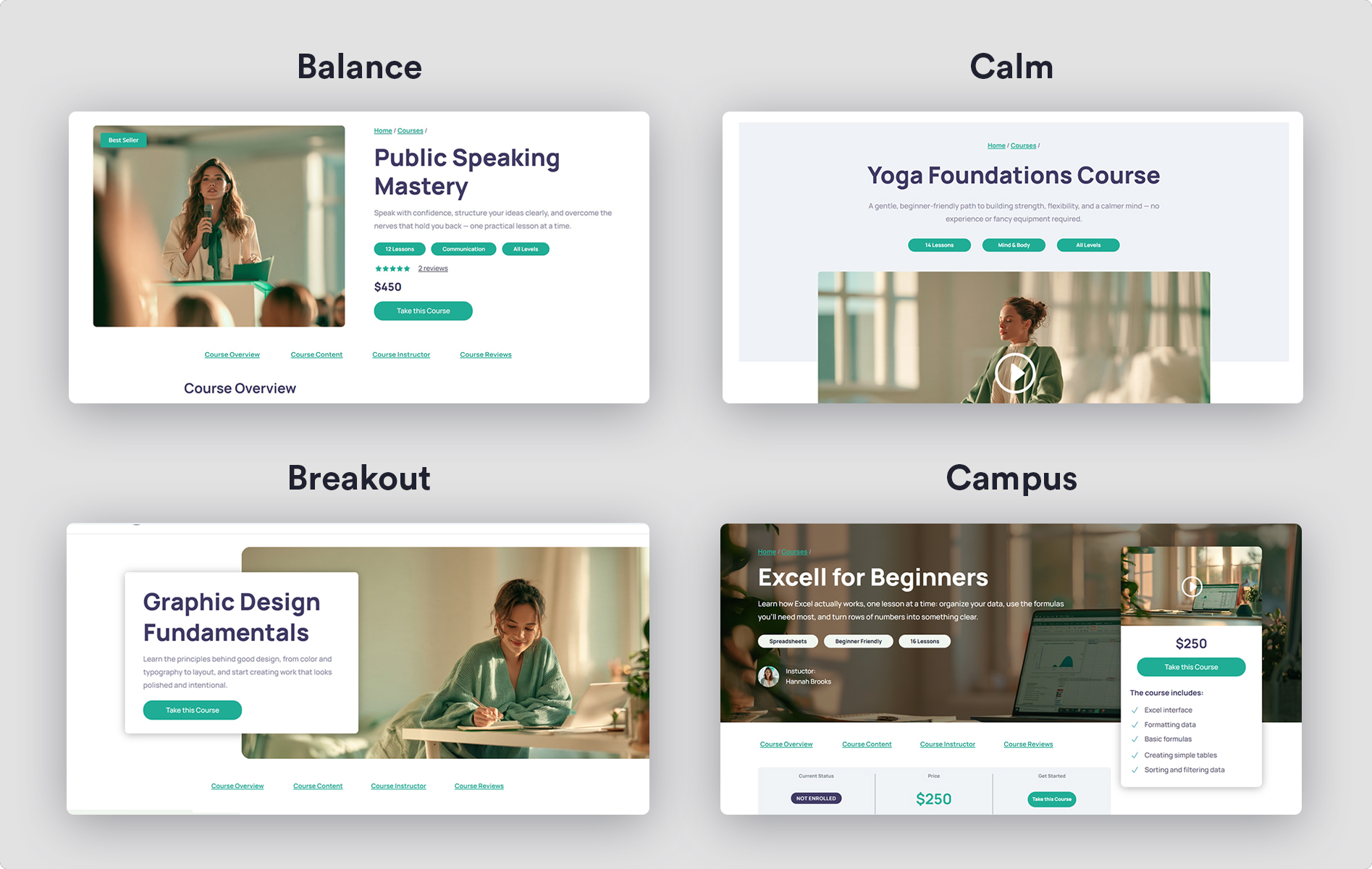
Enter your email below and we'll send the layout pack straight to your inbox.
🎉 Thank You — Your Download Is Ready!
Your Free Divi LearnDash Course Page Layout Pack is ready to download.
We’ve also sent the download link to your email, so you can access it anytime.
What to do next
These layouts work together with our free Powdi Course Page Builder for LearnDash and Divi plugin — if you haven’t installed it yet, you can get it from the WordPress repository.
The takeaway
Build it yourself if you enjoy that and have the time. Or start from a complete theme and spend the time on your course. Either way, it’s better to know the full list now than to find it out halfway through.
