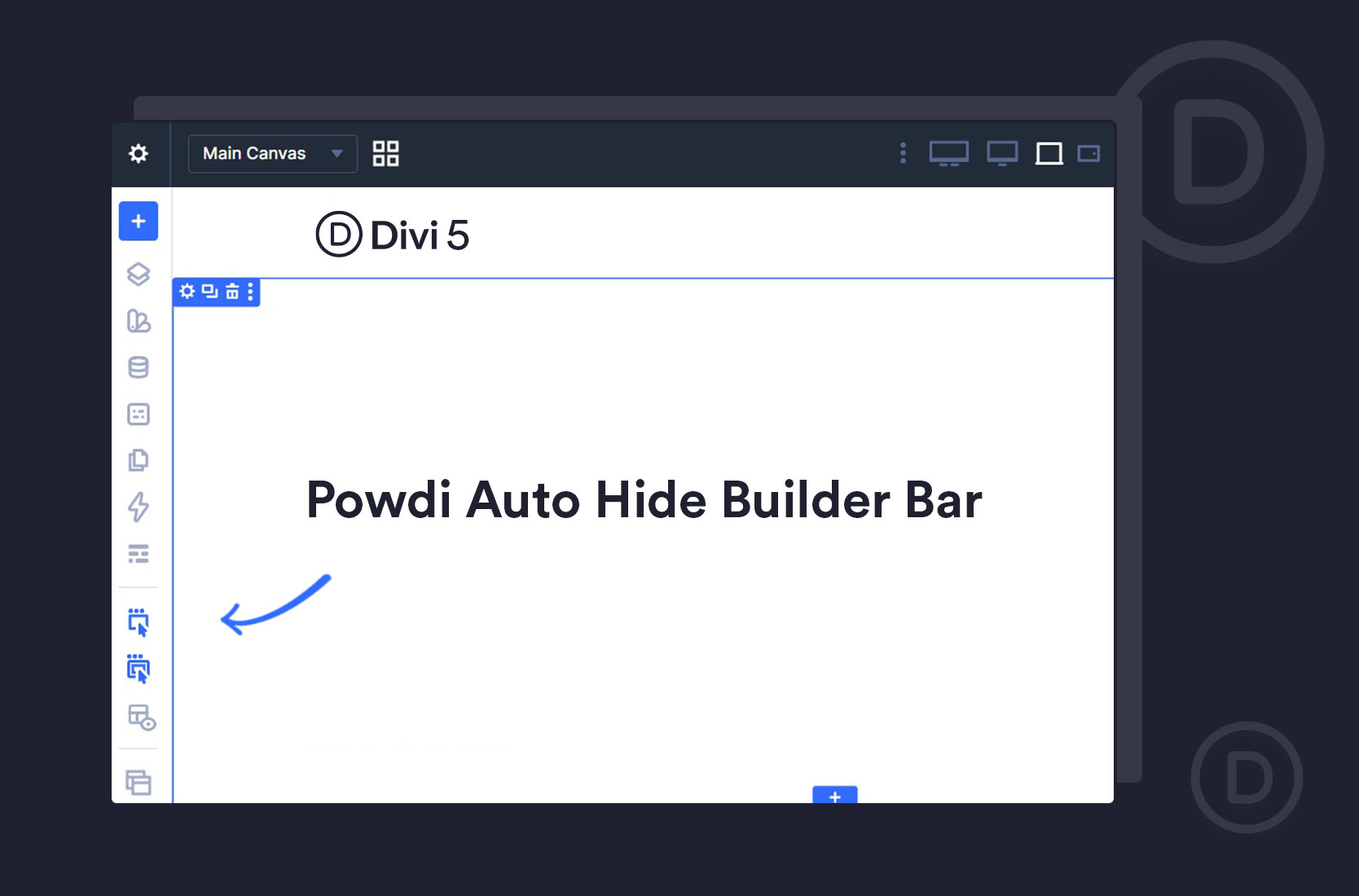
The Divi 5 Builder Bar Was Quietly Ruining My Front-End View — So We Fixed It

by | Oct 2, 2026

If you design in Divi, you probably care about how your pages look down to the pixel. Which is exactly why a small change in Divi 5 started driving me a little mad.

Let me explain — because if you’ve felt something was “off” when previewing your designs in Divi 5, this might be why.

The problem: a bar you can’t get rid of

In Divi 5’s Visual Builder, there’s a vertical bar pinned to the left edge of the canvas. It’s always there while you work.

Now, the module settings panel on the right — that one you can undock and move out of the way. But this left bar? There’s no way to hide it. It stays put, and it takes up space.

Here’s why that matters more than it sounds. Because the bar sits on the canvas, it shrinks the area your page is shown in — which effectively changes the resolution you’re previewing at. So the design you see while building isn’t quite the design at its true front-end width. Open the same page without the builder, and it looks subtly different.

For a designer, that’s genuinely disorienting. You end up working against two slightly different views of the same page — one with the builder bar eating into the width, and the real one. When you care about getting the layout exactly right, that small shift is exactly the kind of thing that throws you off.

And if you came to Divi 5 from Divi 4, like I did, it feels new — because this wasn’t an issue before.

The honest part: there’s no built-in fix

I went looking for a setting to hide or undock that bar. There isn’t one. The right-hand module panel undocks; the left builder bar doesn’t. Natively, you’re stuck with it.

So I did what I usually do when something in our own workflow is annoying — I mentioned it to Milen (who handles the development side of Powdi). And he said he’d build a little plugin to fix it.

The fix: a free plugin that auto-hides the bar

That plugin is now free on the WordPress repository: Powdi Auto-Hide Builder Bar for Divi 5.

It adds a single “Enable show/hide menu” button to the builder bar itself. Turn it on, and:

  • The bar hides itself a moment after you move your mouse away from it — giving you back the full canvas at its true width.
  • It reappears the moment you move your mouse back toward the left edge, so it’s there whenever you actually need it.
  • The sidebars and the page preview reflow correctly each time, so nothing’s left overlapping or gapped.
It works whether or not you have a sidebar open, and it never touches your published page — it’s purely an editing convenience inside the Divi 5 Visual Builder. (It’s Divi 5 only, since it relies on Divi 5’s builder, and it does nothing on Divi 4’s classic builder — which never had this problem in the first place.)

A small thing, but a real one

I’ll be honest — this is a small plugin for a small annoyance. It’s not going to change how you build. But if you’re a designer who’s been quietly bothered by that shifting canvas in Divi 5, getting the bar out of the way and seeing your page at its real width makes the whole thing feel right again.

It’s free, so if it saves you the same frustration it saved me, that’s exactly what we made it for.

👉 Get Powdi Auto-Hide Builder Bar for Divi 5

By Mariya Dimitrova

By Mariya Dimitrova

Mariya is a web designer and a co-founder of Powdi Themes and Powdi Studio. With over 10 years of experience working with WordPress and Divi, she focuses on creating beautiful, practical designs and helping others achieve the same. Mariya shares hands-on tutorials, tools, and insights to make building with Divi easier and more enjoyable.