


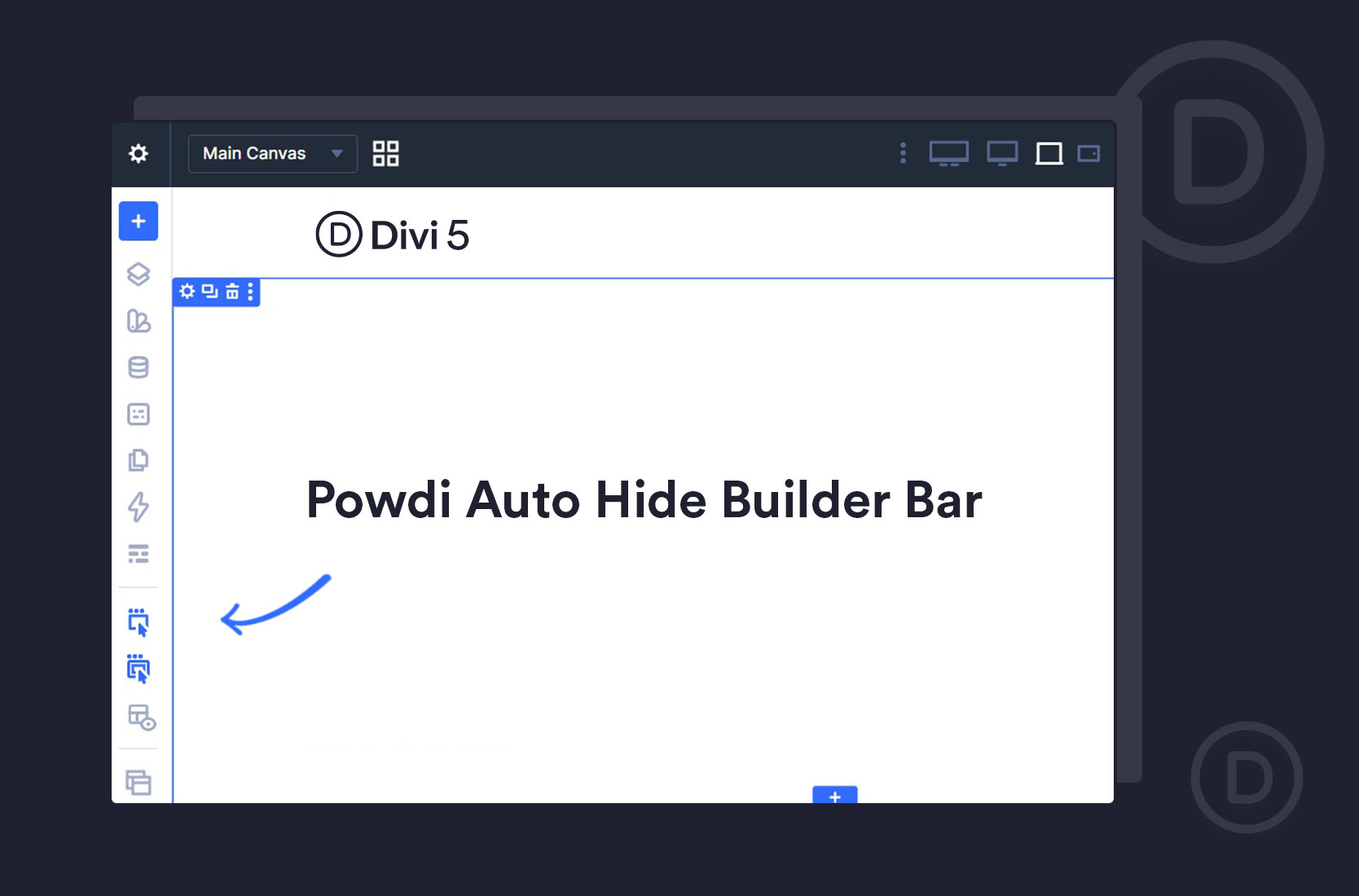
Let me explain — because if you’ve felt something was “off” when previewing your designs in Divi 5, this might be why.
The problem: a bar you can’t get rid of
Now, the module settings panel on the right — that one you can undock and move out of the way. But this left bar? There’s no way to hide it. It stays put, and it takes up space.
Here’s why that matters more than it sounds. Because the bar sits on the canvas, it shrinks the area your page is shown in — which effectively changes the resolution you’re previewing at. So the design you see while building isn’t quite the design at its true front-end width. Open the same page without the builder, and it looks subtly different.
And if you came to Divi 5 from Divi 4, like I did, it feels new — because this wasn’t an issue before.
The honest part: there’s no built-in fix
So I did what I usually do when something in our own workflow is annoying — I mentioned it to Milen (who handles the development side of Powdi). And he said he’d build a little plugin to fix it.
The fix: a free plugin that auto-hides the bar
It adds a single “Enable show/hide menu” button to the builder bar itself. Turn it on, and:
- The bar hides itself a moment after you move your mouse away from it — giving you back the full canvas at its true width.
- It reappears the moment you move your mouse back toward the left edge, so it’s there whenever you actually need it.
- The sidebars and the page preview reflow correctly each time, so nothing’s left overlapping or gapped.

A small thing, but a real one
It’s free, so if it saves you the same frustration it saved me, that’s exactly what we made it for.
